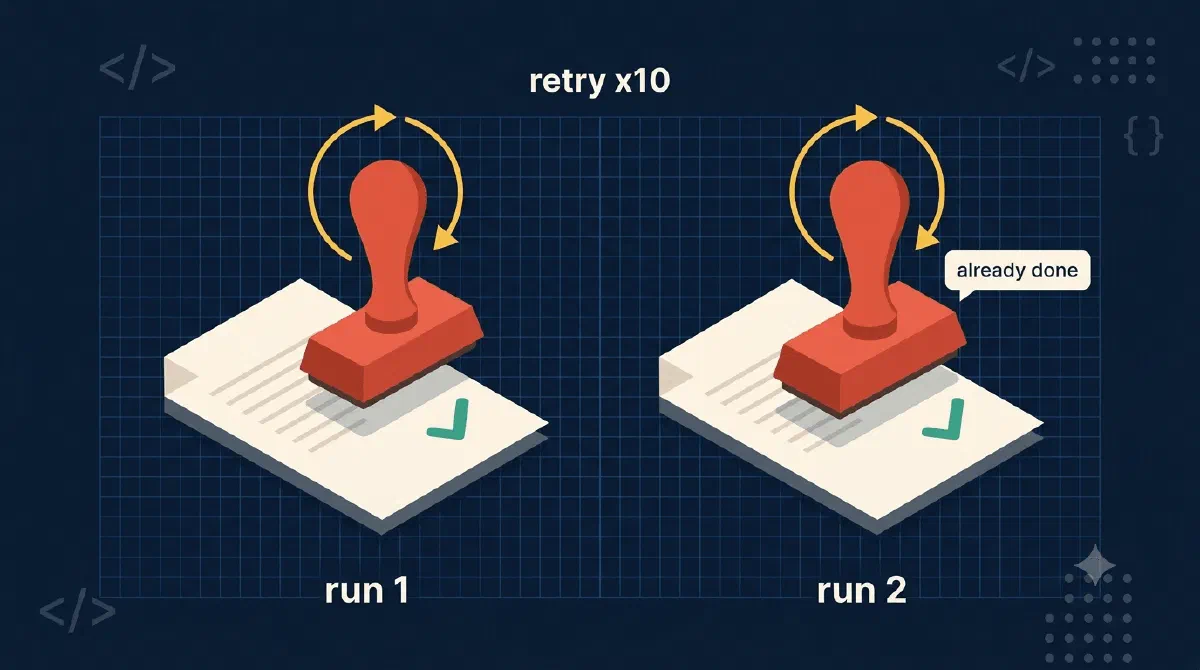
My provisioning engine creates SharePoint team sites through a Durable Functions orchestration: create the site, activate features, pull content types, apply templates, seed folders. Every activity call in that orchestrator goes through one shared retry policy:
// Outer safety net: retry any activity that throws a transient error (e.g. throttling
// that slips past HTTP-level retry). Exponential backoff: 5s, 10s, 20s, ... up to 5min,
// 10 attempts total. All activities are idempotent, so retrying the full activity is safe.
private static readonly TaskOptions ActivityRetryOptions = new(
    new RetryPolicy(
        maxNumberOfAttempts: 10,
        firstRetryInterval: TimeSpan.FromSeconds(5),
        backoffCoefficient: 2.0,
        maxRetryInterval: TimeSpan.FromMinutes(5)));
Read that comment again: “All activities are idempotent, so retrying the full activity is safe.”
That sentence is either the best thing about the whole engine or a lie that duplicates customer sites at 2am. There’s no middle ground. The retry policy reruns the entire activity, not the line that failed. If your activity created a site and then died resolving its ID, the retry creates the site again - unless the activity was written to survive being run twice.
So this post is a catalog of how I actually make that sentence true. Five patterns, all from real provisioning code.
TL;DR
Durable Functions retries rerun whole activities, so every activity must produce the same end state whether it runs once or five times. In practice that means: check before you create, treat “already exists” errors as success, write with upserts, and verify after writes that don’t reliably stick. Do that everywhere and retries become free; miss it once and retries become a duplication engine.Pattern 1: Check Before Create
The site creation activity is the highest-stakes one. If a previous attempt created the site but failed a moment later (say, while resolving the Graph site ID), the retry must not create it again. So it probes first:
// Idempotency: if the site already exists (e.g. previous attempt created it but
// failed during Graph ID resolution), skip creation and go straight to Graph lookup.
if (await SiteExistsAsync(newSiteUrl))
{
    logger.LogInformation("Site already exists at {SiteUrl}, skipping creation.", newSiteUrl);
}
else
{
    await CreateSiteAsync(parsedType, site, siteAlias, newSiteUrl);
}
Note what makes the probe possible in the first place: the site URL is deterministic, built from a prefix and alias in the schema. No timestamps, no random suffixes. If the URL contained Guid.NewGuid(), attempt two would probe a different URL, find nothing, and create a second site. Deterministic naming is the quiet prerequisite for check-before-create.
Pattern 2: “Already Exists” Is Success
Sometimes you can’t probe cheaply, so you attempt the operation and translate the failure. Activating a site feature that’s already active comes back from SharePoint as an error - but it means the activity already did its job on a previous run:
catch (InvalidOperationException ex) when (
    // "Feature already activated" comes back as HTTP 500 with odata.error.code
    // "System.Data.DuplicateNameException" - locale-independent, unlike the human message.
    ex.Message.Contains("System.Data.DuplicateNameException", StringComparison.OrdinalIgnoreCase))
{
    logger.LogInformation("{Feature} feature is already active, skipping.", displayName);
}
The comment is a scar. My first version matched on the English error text, which works great until the code runs against a tenant in another language. Match on error codes, not error messages. The OData error code survives localization; “Feature … is already activated” does not.
Graph makes this pattern cleaner because it gives you a real status code. Copying folder structures into the new site:
catch (ODataError ex) when (ex.ResponseStatusCode == 409)
{
    // Item already exists in target - idempotent on retry
    logger.LogInformation("Item '{ItemName}' already exists in target, skipping copy.", itemName);
    return;
}
409 Conflict on a create is not a failure. It’s a receipt from your previous attempt.
Pattern 3: Upsert by Nature
The best idempotency is the kind you get for free by choosing the right API. The registration activity writes the new site’s URL and ID back to an inventory list, and it does so with SharePoint’s ValidateUpdateListItem against a known item ID. Setting the same fields on the same item to the same values twice is indistinguishable from doing it once. There’s nothing to guard because the operation has no failure mode for repetition.
When you’re designing an activity and you get to pick between “add a row” and “set fields on item X”, pick the second. Every Add needs a guard; a keyed Set guards itself.
Pattern 4: Verify After Write
The dark twin of idempotency: some SharePoint writes report success and then don’t stick. Property bag values on a freshly created site are notorious for this. The activity’s answer is to re-read everything it just wrote and throw if reality disagrees:
if (mismatches.Count > 0)
{
    throw new InvalidOperationException(
        $"Property bag verification failed on {siteUrl}: {string.Join("; ", mismatches)}. " +
        "Values did not persist to the server; retrying the activity.");
}
What’s happening here?
- After writing the property bag values, the activity loads
Web.AllPropertiesfresh from the server. - Each expected key/value is compared against what actually persisted.
- Any mismatch throws a plain transient exception, which hands the problem to the orchestrator’s retry policy.
- The rerun is safe precisely because setting a property bag key is an upsert - pattern 3 again. Verification and idempotency are two halves of the same loop: writes are repeatable, so failed verification can simply demand a repeat.
This inverts the usual relationship with retries. Instead of retries being something inflicted on the activity, the activity uses a throw to request one.
Pattern 5: Idempotent Deletes Too
Removal flows have the same problem in the other direction. Removing a user from a site’s members group when they’re already gone throws a ServerException, and treating that as failure would wedge every cleanup retry:
catch (ServerException ex)
{
    logger.LogWarning(ex, "Could not remove {LoginName} from {SiteUrl} ({ErrorType}); treating as already removed.",
        loginName, siteUrl, ex.ServerErrorTypeName);
    return;
}
Desired state: user is not in the group. User is not in the group. Done. Idempotency is about converging on a state, not performing an action.
Gotchas
- One non-idempotent activity poisons the whole pipeline. I had a security activity that created SharePoint groups without checking for existing ones. Every retry of that step risked duplicate groups, which meant retries weren’t safe, which meant the retry policy comment was a lie for the whole orchestration. It’s disabled until it earns its way back in. Idempotency is all-or-nothing per pipeline.
- The failure window is between success and checkpoint. The orchestrator records completed steps, but a crash can land after the activity finished and before the record was written. The completed-steps list narrows how often reruns happen; idempotency is what makes the remaining reruns harmless. You need both.
catchthe narrowest thing you can. The 409 handler above catchesODataErrorwith status 409, nothing else. A broadcatch { return; }also “makes retries pass”, by swallowing real failures. Idempotency guards should be precise enough that a genuinely broken call still throws.- Test by running it twice, literally. My smoke test for a new activity is: run the provisioning, then immediately queue the exact same provisioning again. Zero errors and zero duplicates or it doesn’t ship.
Wrapping Up
A Durable Functions retry policy is a contract: it promises to rerun your activities, and your activities promise not to care. Check before create, read “already exists” as success, prefer upserts, verify writes that lie. Write every activity as if it will run twice, because on a long enough timeline, it will.
If retry policies and replay are new to you, Durable Functions: A Function That Sleeps for a Week covers what an orchestration actually is, and why “it will run twice” is a feature rather than a bug.
References