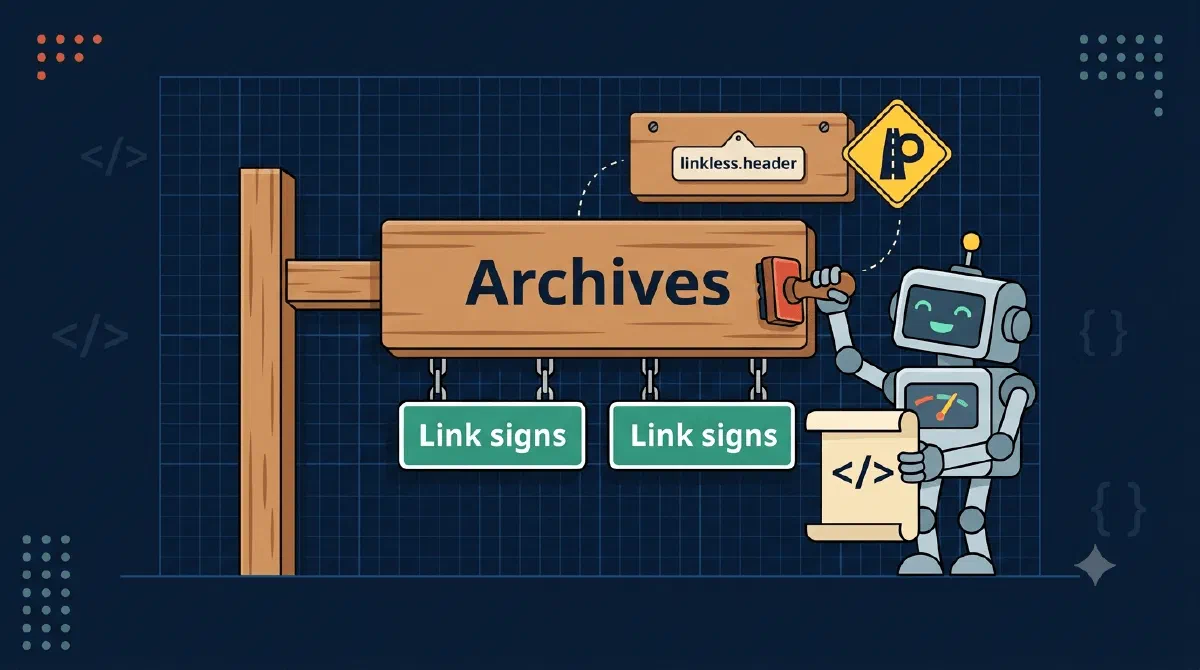
Quick tech tip this time. My PnP provisioning template builds the left-hand navigation for every site it creates, and some of the links belong in groups: an “Archives” header with the actual archive libraries under it, a tool header with a link per year.
Nesting the nodes was the easy part - pnp:NavigationNode elements nest directly in the schema. The puzzle was the header itself. A navigation node demands a URL, but a group header shouldn’t go anywhere. It’s a label, not a link.
The answer is a URL that is famous for not being one.
TL;DR
Nest child<pnp:NavigationNode> elements inside a parent node, and give the parent Url="http://linkless.header/" with IsExternal="true". SharePoint treats that exact URL as “this node is a label”, and you get a non-clickable header with your links grouped under it.The Template
<pnp:CurrentNavigation NavigationType="StructuralLocal">
  <pnp:StructuralNavigation RemoveExistingNodes="true">
    <pnp:NavigationNode Title="Home" Url="{site}" />
    <pnp:NavigationNode Title="Archives" Url="http://linkless.header/" IsExternal="true">
      <pnp:NavigationNode Title="Working archive" Url="{site}/WorkArchive/Forms/AllItems.aspx" />
      <pnp:NavigationNode Title="Advisory archive" Url="{site}/AdvisoryArchive/Forms/AllItems.aspx" />
    </pnp:NavigationNode>
    <pnp:NavigationNode Title="Year-end tool" Url="http://linkless.header/" IsExternal="true">
      <pnp:NavigationNode Title="Previous year" Url="{parameter:PreviousYearUrl}" IsExternal="true" />
      <pnp:NavigationNode Title="Current year" Url="{parameter:CurrentYearUrl}" IsExternal="true" />
    </pnp:NavigationNode>
  </pnp:StructuralNavigation>
</pnp:CurrentNavigation>
What’s happening here?
- “Archives” and “Year-end tool” are labels:
http://linkless.header/is the exact string SharePoint uses internally for label nodes, so the rendered navigation shows them as expandable headers, not links. IsExternal="true"on the label matters. Without it the provisioning engine tries to resolve the URL against the site, and the whole point is that this URL must survive untouched.- Child nodes are ordinary nodes:
{site}tokens for libraries on the site,{parameter:...}tokens for per-customer URLs injected at apply time.
Gotchas
- The string is exact.
http://linkless.header/- trailing slash included. It’s the same value the modern navigation editor stores when you add a “Label” instead of a “Link”, and the same one PnP PowerShell’sAdd-PnPNavigationNodedocuments for creating labels. Typo it and you ship a dead link instead of a header. - It’s a convention, not a documented REST contract. The label/link distinction is documented; the sentinel URL is what actually implements it. If it ever changes, PnP breaks with it, so you’re in good company.
- A label needs at least one child. Microsoft’s own navigation guidance says a label should always have a link below it, and an empty group looks like a bug to users.
- Extract-and-inspect beats guessing. I found this by pulling a template from a hand-configured site with
Get-PnPSiteTemplateand reading what came out. When the schema docs are thin, a site that already looks right is the best documentation.
Wrapping Up
Group navigation in a PnP template by nesting the nodes, and turn the parent into a header by pointing it at the one URL that goes nowhere: http://linkless.header/ with IsExternal="true".
References