
Three Base64 Blobs and a Null Token: Decrypting Graph Rich Notifications
Learn how to validate and decrypt Microsoft Graph rich notification payloads in C#, including the appRoleAssignmentRequired trap that makes validationTokens null.
Everything on this blog written in C#: Microsoft Graph and CSOM client code, Azure Functions, reflection tricks, and the .NET side of Microsoft 365.
Every code sample on this blog is C#, so this topic is close to the full archive. It is here because a fair number of people arrive searching for the .NET side of a Microsoft 365 problem rather than the SharePoint side of it.
What you will find: client code against Microsoft Graph and CSOM, Azure Functions doing the background work, reflection and attributes doing the boring work, and a lot of async plumbing that exists purely because the API on the other end is slower than you would like.
What you will not find: framework tours or language feature walkthroughs. The C# here is in service of a problem I hit, which means the interesting part is usually the API behaviour, not the syntax.
Learn how to validate and decrypt Microsoft Graph rich notification payloads in C#, including the appRoleAssignmentRequired trap that makes validationTokens null.

Learn how to use Microsoft Graph rich notifications with $select to decide from the webhook payload whether a mail is worth fetching, without an extra API call.
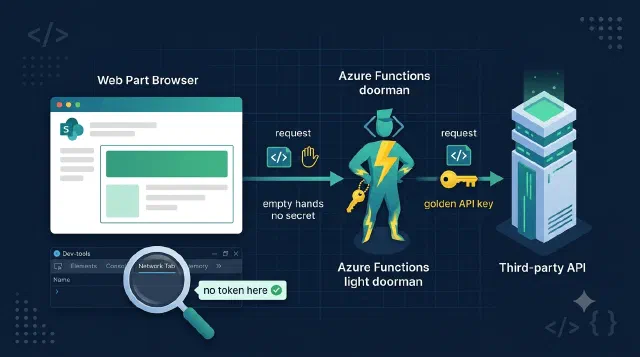
Learn how to keep third-party API keys out of the browser by proxying SPFx web part calls through an Azure Function that swaps in the secret server-side.

Learn how to forward the browser's If-None-Match header to Azure Blob Storage with BlobRequestConditions, so unchanged files never leave storage at all.
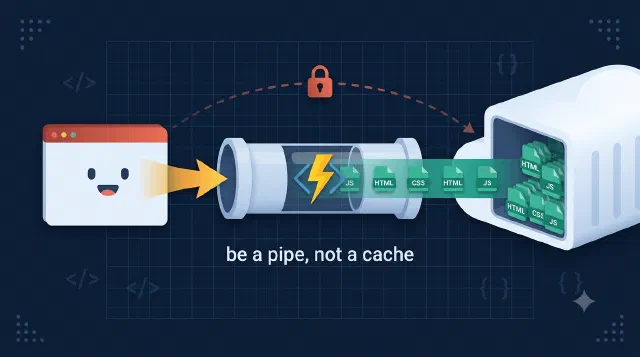
Learn how a single Azure Function with a catch-all route can proxy an entire static website out of a private Blob Storage container, with auth in front of every file.
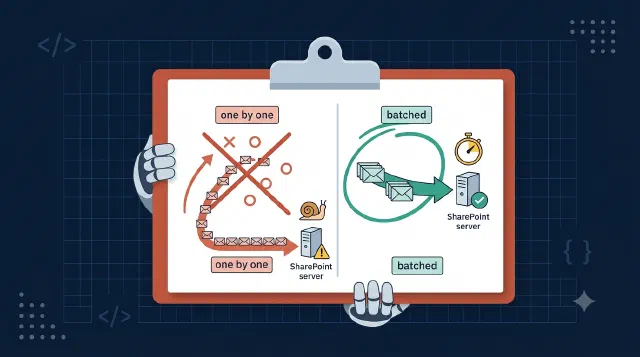
Learn how to speed up SharePoint CSOM with five proven techniques - batching, CAML joins, change detection, server-side exception handling, and fast taxonomy loading.
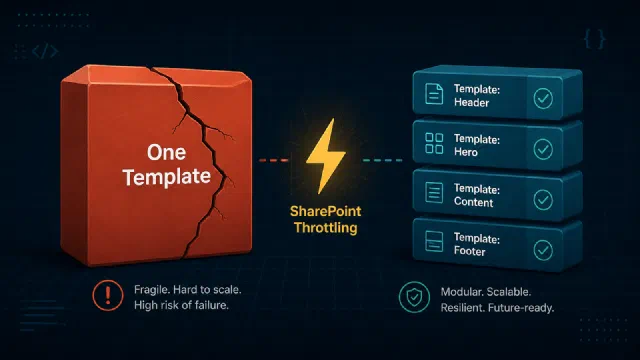
After testing with DevProxy, I found that monolithic PnP templates silently destroy your retry strategy. Here's what I learned.

Learn how to create SharePoint News Link pages with a banner image using the Microsoft Graph Beta SDK in C# — including the multipart upload the official documentation leaves completely undocumented.
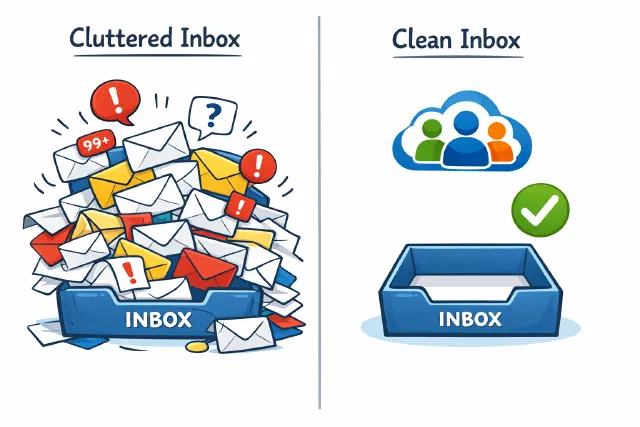
Learn how to create Microsoft 365 groups programmatically with the Graph SDK in C# without sending a welcome email flood to every member.
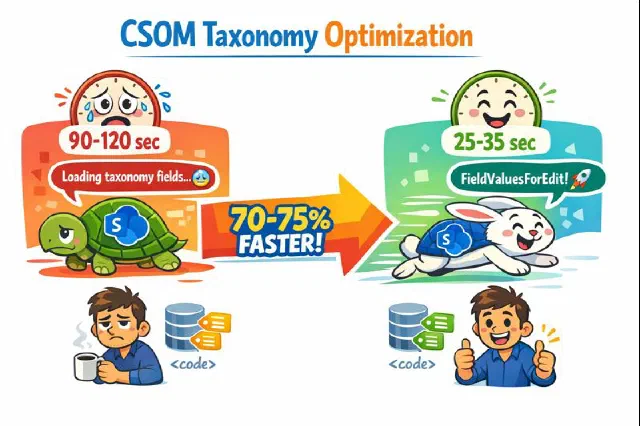
An undocumented but effective approach to dramatically speed up CSOM taxonomy field loading when dealing with SharePoint list items that have many terms.
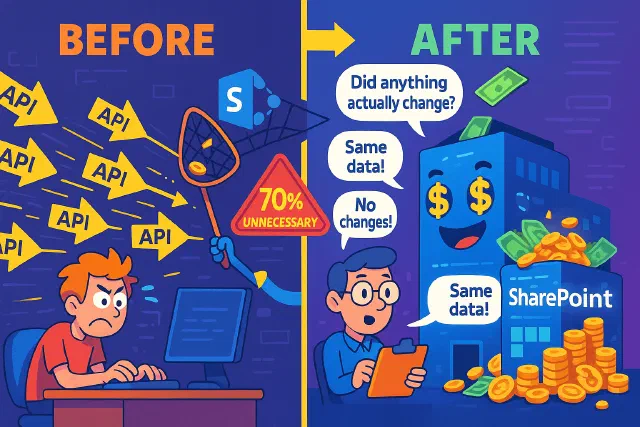
The SharePoint API call that wasted resources is now optimized with smart change detection, reducing unnecessary updates and costs.

Discover how SharePoint's ExceptionHandlingScope can optimize your API calls, reduce costs, and enhance performance with server-side exception handling.

Learn how to effectively debounce SharePoint webhooks to optimize performance and reduce unnecessary operations when users frequently click save.
Learn smart retry logic for Microsoft Graph batching to optimize API calls, reduce throttling, and enhance user experience.
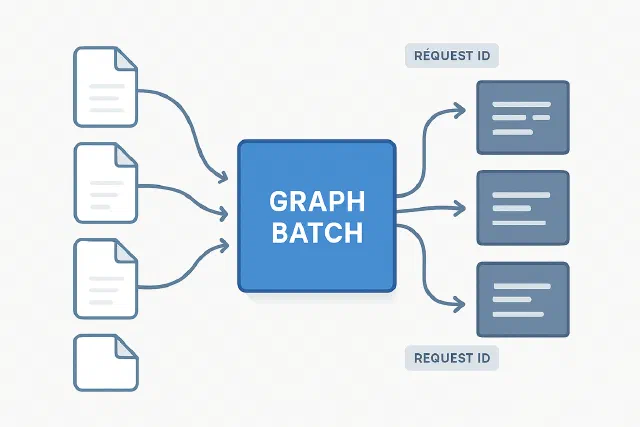
How to handle Graph batching when downloading file content and mapping responses back to original requests
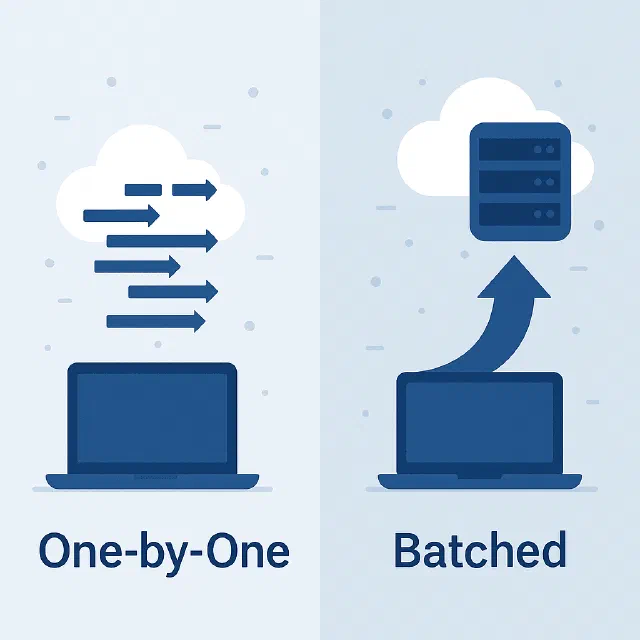
Learn how to dramatically improve CSOM performance by batching operations instead of executing them one by one

Discover how to simulate Microsoft Graph and SharePoint throttling locally using DevProxy, and prevent production slowdowns before they happen.

Learn how to efficiently query multiple SharePoint lists using CAML joins instead of multiple API calls to avoid throttling

Learn how to authenticate to Microsoft Graph in C# with ClientCertificateCredential, with working snippets for both the v4 SDK and the v5/v6 SDK.

Learn to authenticate C# applications with PnP.Framework and Azure using certificates in this beginner's guide to app registration and permissions.

Learn how to download multiple SharePoint files as a zip from C# code, using Graph batching to fetch them and streaming each to disk instead of into memory.
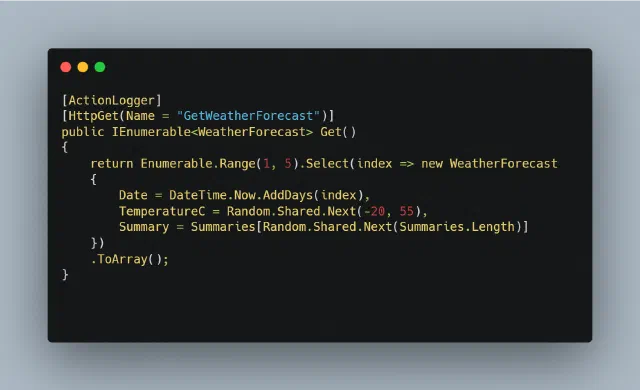
Learn how to move Web API logging out of every controller method and into one C# attribute built on IActionFilter, logging the controller and its parameters.

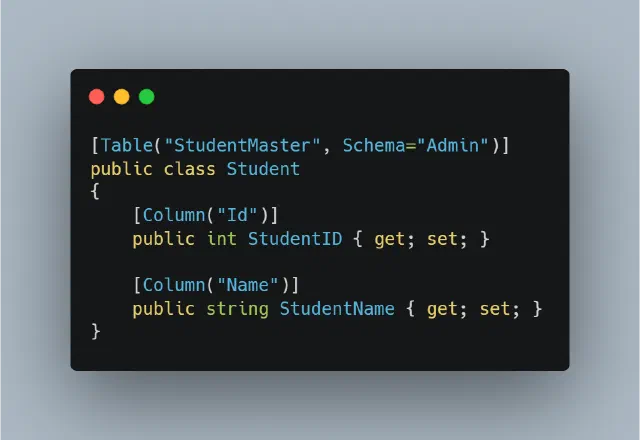
Easiest way to keep track of which changes have been made to an object, and likewise, who has carried out these changes.
No posts match — try another search.