
AllowIncrementalResults: CAML Past the 5,000 Item Wall
Learn how to query SharePoint lists beyond the 5,000 item list view threshold in CSOM with AllowIncrementalResults, paging and indexed columns.
Batching, CAML joins, change detection and ExceptionHandlingScope: how to stop SharePoint CSOM making tens of thousands of API calls it never needed to make.
CSOM is old, it is still everywhere, and it will happily let you write code that makes ninety thousand API calls a month when a few thousand would do. That is the thread running through this topic: not “how do I call this”, but “how much is this costing me, and what does the fast version look like”.
The techniques here came out of one long optimisation job. Batching operations instead of executing them one by one. Using CAML joins instead of querying four lists. Detecting whether anything actually changed before writing. Moving error handling to the server with ExceptionHandlingScope. Loading taxonomy fields through an undocumented back door.
Every one of these posts has before and after numbers from real work. Your numbers will differ from mine, and one of these posts is me correcting my own earlier code.
Start here: The SharePoint CSOM Performance Playbook: Stop Paying for Wasted API Calls
Learn how to query SharePoint lists beyond the 5,000 item list view threshold in CSOM with AllowIncrementalResults, paging and indexed columns.

Learn which SharePoint queries survive the 5,000 item list view threshold, with CAML joins, CSOM, REST, Graph and $batch measured on a 10,000 item list.

Learn how a CAML join across SharePoint lists linked by lookup columns compares with separate queries, OData expands and Graph, measured on the same data.

Learn when to use CSOM, SharePoint REST or Microsoft Graph for SharePoint work, and which operations each one silently refuses to do.

Learn how to speed up SharePoint CSOM with five proven techniques - batching, CAML joins, change detection, server-side exception handling, and fast taxonomy loading.
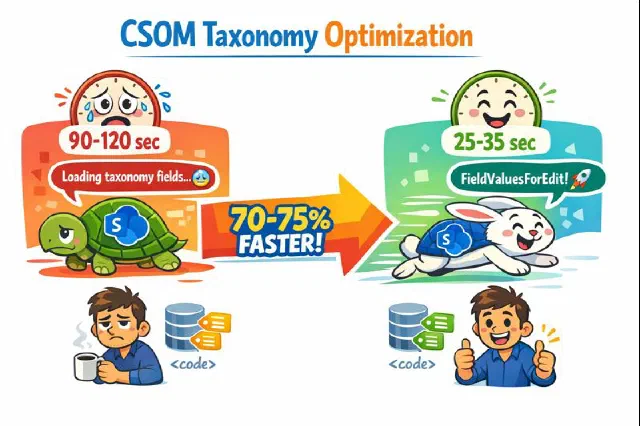
An undocumented but effective approach to dramatically speed up CSOM taxonomy field loading when dealing with SharePoint list items that have many terms.

The SharePoint API call that wasted resources is now optimized with smart change detection, reducing unnecessary updates and costs.

Discover how SharePoint's ExceptionHandlingScope can optimize your API calls, reduce costs, and enhance performance with server-side exception handling.

Learn how to dramatically improve CSOM performance by batching operations instead of executing them one by one

Learn how to efficiently query multiple SharePoint lists using CAML joins instead of multiple API calls to avoid throttling
No posts match — try another search.