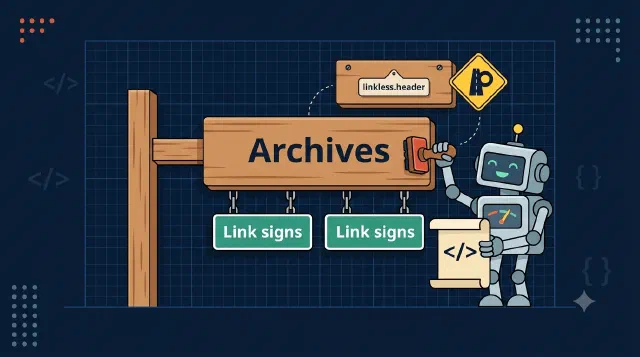
A Link to Nowhere: Nested Navigation Headers in PnP Templates
Learn how to create grouped navigation with non-clickable header labels in a PnP provisioning template using the linkless.header URL convention.
Real SharePoint development problems in C#: provisioning, list items, navigation, content types and the API costs nobody warns you about.
This is the broadest thing I write about, and the reason most people end up here. Almost everything on this blog touches SharePoint somewhere: reading list items without melting the API, provisioning sites that survive a retry, moving content types on a list that is already in production, or working out why the portal offers a checkbox that no API exposes.
Most of it is C# rather than PowerShell. That is partly taste and partly the work: when SharePoint sits behind a web app or a background job, you need the same operation to be fast, retryable and testable, and that pushes you toward the client libraries rather than a script.
If you are new here, the narrower topics are where the real detail lives. Start with CSOM performance if something is slow, or provisioning if something is flaky.
Learn how to create grouped navigation with non-clickable header labels in a PnP provisioning template using the linkless.header URL convention.
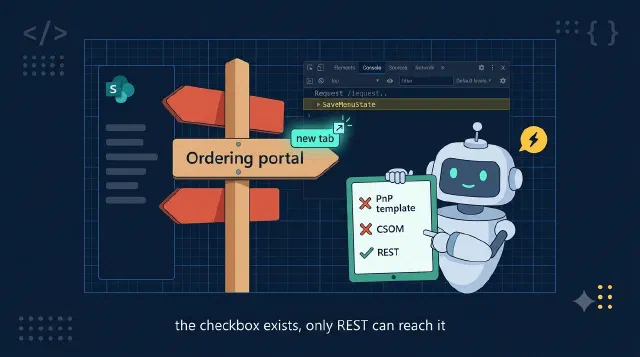
Learn how to set OpenInNewWindow on SharePoint navigation nodes programmatically with the MenuState and SaveMenuState REST endpoints, since PnP templates and CSOM can't.
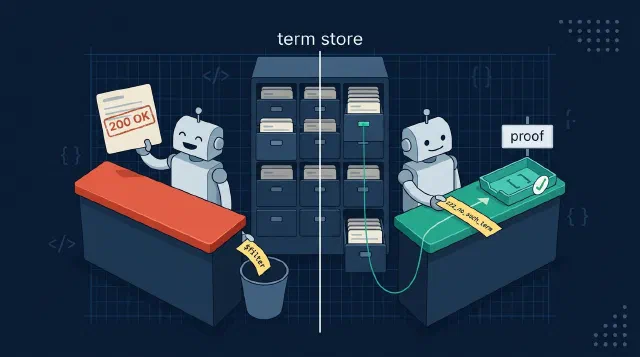
Learn how to search the SharePoint term store server-side with Microsoft Graph using an undocumented labels filter, and how to prove the filter actually runs.
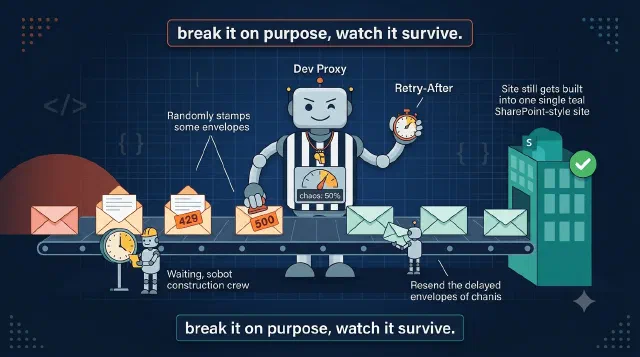
Learn how to test Durable Functions retry logic, idempotency and failure handling locally by injecting Graph and SharePoint errors with Dev Proxy.

Learn how to handle Microsoft Graph 404s on freshly created SharePoint sites with layered retries instead of one giant retry hammer.

Learn how to query SharePoint lists beyond the 5,000 item list view threshold in CSOM with AllowIncrementalResults, paging and indexed columns.

Learn which SharePoint queries survive the 5,000 item list view threshold, with CAML joins, CSOM, REST, Graph and $batch measured on a 10,000 item list.

Learn how a CAML join across SharePoint lists linked by lookup columns compares with separate queries, OData expands and Graph, measured on the same data.

Learn how to write multi-value lookup and person columns on SharePoint list items with Microsoft Graph, using the LookupId array syntax the docs never show you.
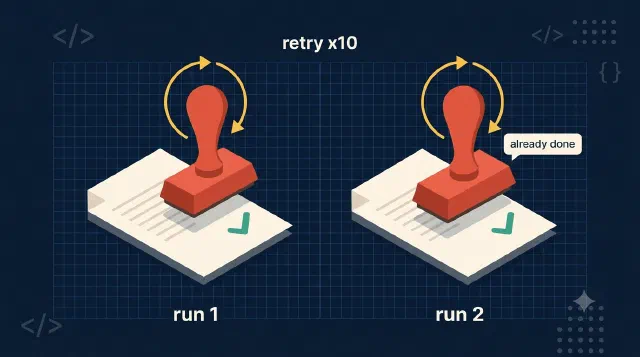
Learn how to make every Durable Functions activity idempotent so retry policies can safely rerun SharePoint and Graph provisioning steps.

Learn when to use CSOM, SharePoint REST or Microsoft Graph for SharePoint work, and which operations each one silently refuses to do.

Learn why I'm still on PnP.Framework instead of PnP Core, the two blockers holding the migration back, and what has to land before I make the jump.
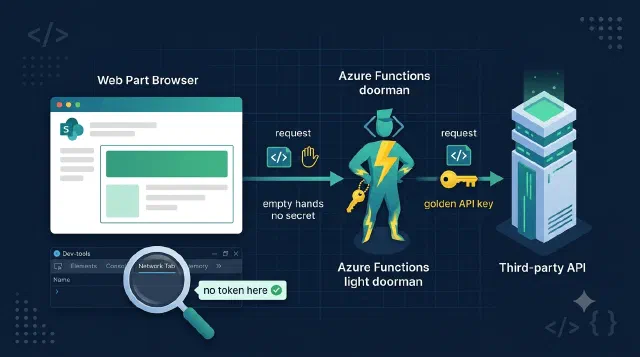
Learn how to keep third-party API keys out of the browser by proxying SPFx web part calls through an Azure Function that swaps in the secret server-side.

Learn how to checkpoint a Durable Functions orchestration so a failed SharePoint provisioning run resumes where it stopped instead of starting over.
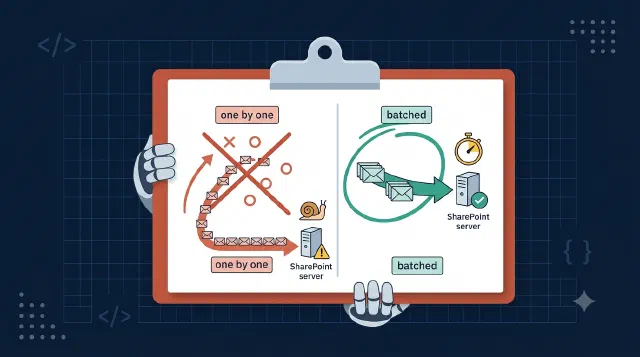
Learn how to speed up SharePoint CSOM with five proven techniques - batching, CAML joins, change detection, server-side exception handling, and fast taxonomy loading.
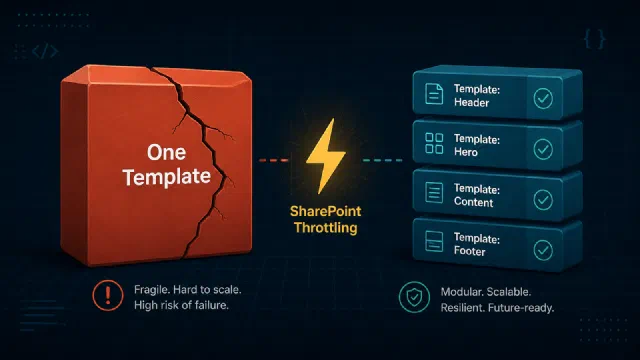
After testing with DevProxy, I found that monolithic PnP templates silently destroy your retry strategy. Here's what I learned.

Learn how to create SharePoint News Link pages with a banner image using the Microsoft Graph Beta SDK in C# — including the multipart upload the official documentation leaves completely undocumented.
Learn how to create Microsoft 365 groups programmatically with the Graph SDK in C# without sending a welcome email flood to every member.
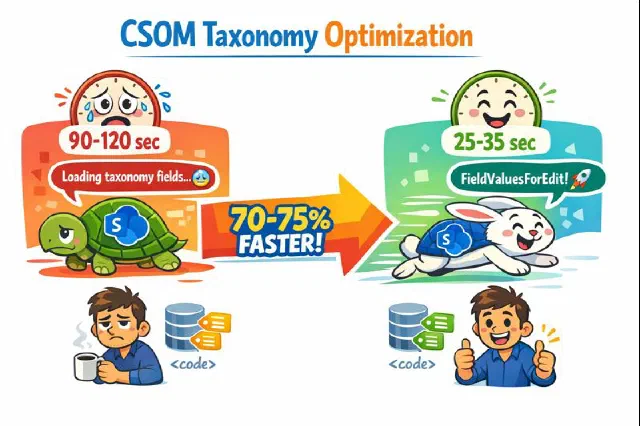
An undocumented but effective approach to dramatically speed up CSOM taxonomy field loading when dealing with SharePoint list items that have many terms.
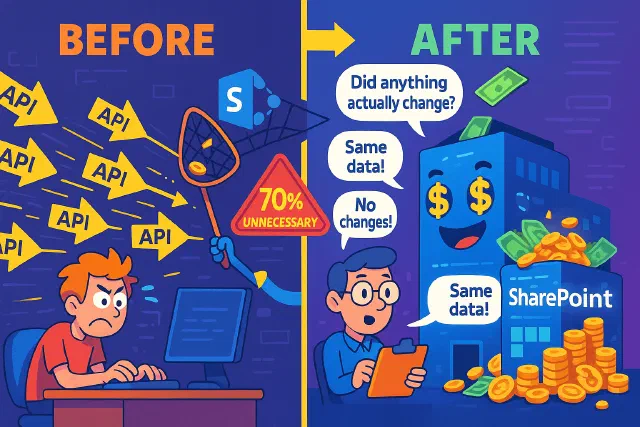
The SharePoint API call that wasted resources is now optimized with smart change detection, reducing unnecessary updates and costs.

Discover how SharePoint's ExceptionHandlingScope can optimize your API calls, reduce costs, and enhance performance with server-side exception handling.

Learn how to effectively debounce SharePoint webhooks to optimize performance and reduce unnecessary operations when users frequently click save.
Learn smart retry logic for Microsoft Graph batching to optimize API calls, reduce throttling, and enhance user experience.
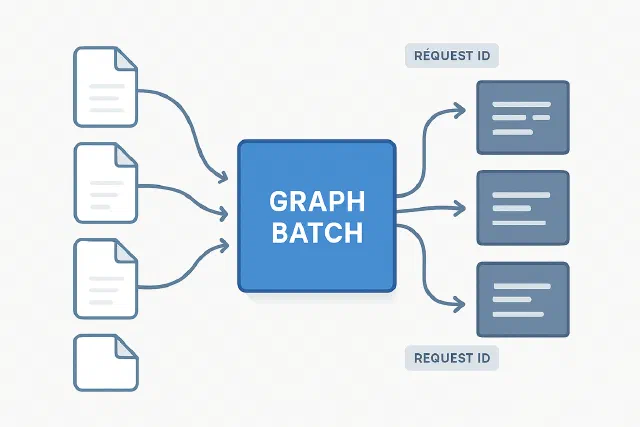
How to handle Graph batching when downloading file content and mapping responses back to original requests
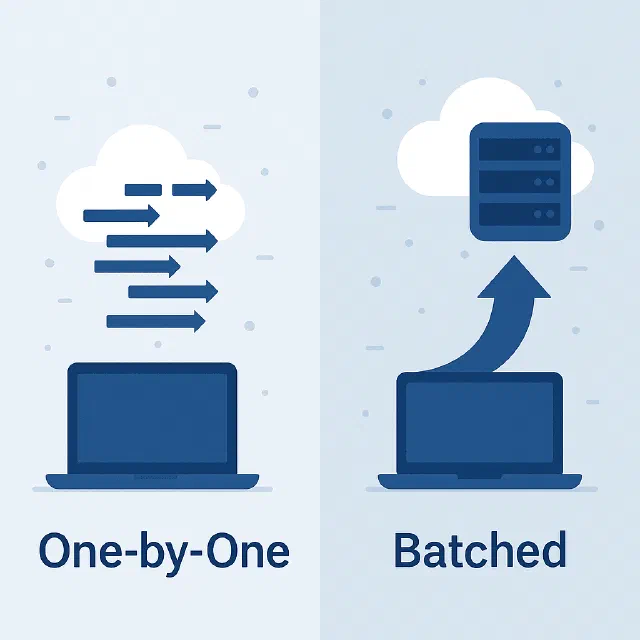
Learn how to dramatically improve CSOM performance by batching operations instead of executing them one by one

Discover how to simulate Microsoft Graph and SharePoint throttling locally using DevProxy, and prevent production slowdowns before they happen.

Learn how to efficiently query multiple SharePoint lists using CAML joins instead of multiple API calls to avoid throttling

Learn how to authenticate to Microsoft Graph in C# with ClientCertificateCredential, with working snippets for both the v4 SDK and the v5/v6 SDK.

Learn to authenticate C# applications with PnP.Framework and Azure using certificates in this beginner's guide to app registration and permissions.

Learn how to download multiple SharePoint files as a zip from C# code, using Graph batching to fetch them and streaming each to disk instead of into memory.

We've all tried creating a SharePoint list without using Content Types from the start. It seems like the quick solution, but it can lead to challenges later when restructuring the list. This post explains why using Content Types from the beginning is a smart move that can save time and hassle in the long run.

Learn how to build an SPFx wrapper component that shows or hides content based on Microsoft 365 group membership, using getMemberGroups and a session cache.
No posts match — try another search.