
Durable Functions Concurrency: Gate the Queue, Not the Host
Learn why host.json concurrency limits don't cap running Durable Functions orchestrations, and how a queue-level gate with deferred Service Bus messages does.
What happens when Microsoft 365 says 429: smart retry logic that is not just retrying everything, Retry-After, and testing your limits before production does.
Sooner or later Microsoft 365 tells you to slow down, and what your code does next decides whether users notice.
The naive answer is to retry everything, which turns one throttled batch into a second throttled batch. The better answer is to look at what actually failed, respect Retry-After rather than inventing your own backoff, and accept that some failures in a batch are permanent and retrying them is pure waste.
The posts here cover that retry logic, and testing it, which is the part most people skip. You cannot wait for production to throttle you before finding out whether your handler works. That is what Dev Proxy is for.
Learn why host.json concurrency limits don't cap running Durable Functions orchestrations, and how a queue-level gate with deferred Service Bus messages does.
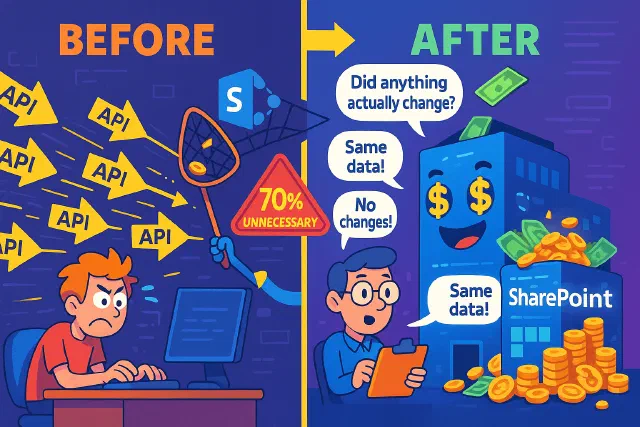
The SharePoint API call that wasted resources is now optimized with smart change detection, reducing unnecessary updates and costs.
Learn smart retry logic for Microsoft Graph batching to optimize API calls, reduce throttling, and enhance user experience.

Discover how to simulate Microsoft Graph and SharePoint throttling locally using DevProxy, and prevent production slowdowns before they happen.
No posts match — try another search.